
Business Ops: New and Updated External Tools
October 19, 2021
By Mike Carlo
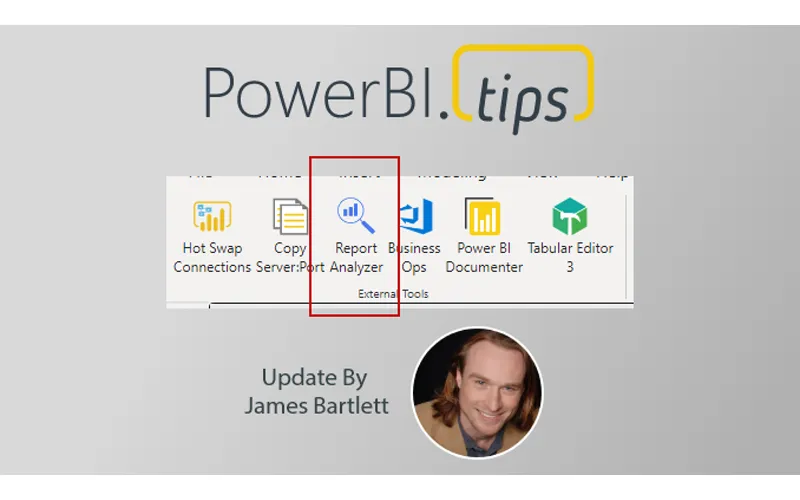
Howdy, folks!
This past weekend, I was a man on a mission. There were two pressing reasons for a new release of Business Ops:
- The authors of many popular External Tools released updates recently, so we needed to ship a new version of Business Ops with those updates included
- Last week, Michael Kovalsky (ElegantBI.com) released a brand new External Tool called Report Analyzer (which we can already tell will be an instant classic), so we wanted to get it out there and into the hands of report developers ASAP
So, I toiled away most of the day on Sunday, cramming as much value as I could into the next version. And along the way, I learned some important new software development skills, including how to:
- Extract the contents of an MSI installer file
- Encode an image in base64
- Roll back your latest commits when you accidentally push to Main instead of a Dev branch (sorry, Mike! ?)
TL;DR: Here’s the skinny on Business Ops 2.0.3
New External Tool:
Updated External Tools:
- ALM Toolkit 5.0.23
- Tabular Editor 2.16.4
- Tabular Editor 3.1.4
- Hot Swap Connections 1.1.3
- Power BI Helper 12.3
Click here to download Business Ops 2.0.3
Have a great week, everyone!
James