
PowerBI.tips

New Layout – Splash o Red

January 19, 2018 By Mike Carlo
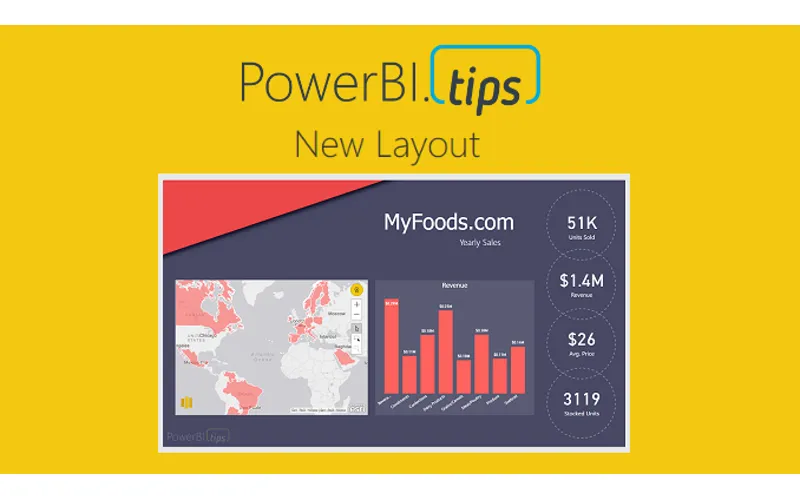
New Layout – Splash o Red

First off, let me say WOW!  The announcement of Layouts was well received by the Power BI Community.  Thank you so much for the positive feedback.  So much so, that I got excited and developed another Layout, Splash o Red.

This new layout is called contains two pages.  It uses the drill through feature to navigate from the main page to the sub page.  The demo below shows you how it works.  I hope you enjoy this new layout, you can download it here.

To see how to load data into the Layouts check out the following video below.  It will guide you through the process.  Additionally, each layout download will contain an instructions sheet just in case.

You can check out all the layouts here.

[products columns=”4″ category=”Layouts”]

Previous

Introducing Layouts

More Posts

Mar 4, 2026

AI-Assisted TMDL Workflow & Hot Reload – Ep. 507

Mike and Tommy explore AI-assisted TMDL workflows and the hot reload experience for faster Power BI development. They also cover the new programmatic Power Query API and the GA release of the input slicer.

Feb 27, 2026

Filter Overload – Ep. 506

Mike and Tommy dive into the February 2026 feature updates for Power BI and Fabric, with a deep focus on the new input slicer going GA and what it means for report filtering. The conversation gets into filter overload — when too many slicers and options hurt more than they help.

Feb 25, 2026

Excel vs. Field Parameters – Ep. 505

Mike and Tommy debate the implications of AI on app development and data platforms, then tackle a mailbag question on whether field parameters hinder Excel compatibility in semantic models. They explore building AI-ready models and the future of report design beyond Power BI-specific features.