
PowerBI.tips

New Layout - Smooth Operator
March 21, 2019 By Seth Bauer
New Layout - Smooth Operator

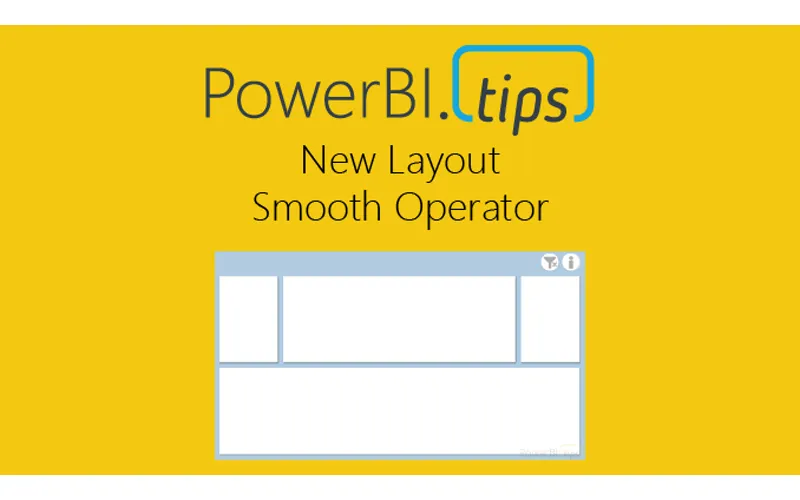
Hey everyone! We’re excited to release our latest layout “Smooth Operator”. Click here to download. We’ve gotten some great feedback from our users and the previous layouts were a bit heavy handed as we tried to create a perfect experience with adding visuals. The difficulty of trying to link up a dataset to the x/y axis made some of those a bit burdensome. As a result, we’re going to streamline the layouts to be super easy to use but yet still providing as much enhanced value with bookmarks, areas for visuals, and using json themes to change look and feel of background and visual elements.

We’re interested in your thoughts on this streamlined approach, so please let us know how you like the new layout - and expect more like it in the future!

Sample of Report:

Previous

Make Custom Visuals – Create a Bar Chart

More Posts

Mar 6, 2026

Kicking Off Fabric the Right Way - Ep. 508

Mike and Tommy break down what it really means to start a Fabric implementation the right way, from setting expectations early to choosing practical first moves that won't box teams in later. They also cover a coming permissions change for Fabric data agents that makes semantic models easier for more people to use.

Mar 4, 2026

AI-Assisted TMDL Workflow & Hot Reload – Ep. 507

Mike and Tommy explore AI-assisted TMDL workflows and the hot reload experience for faster Power BI development. They also cover the new programmatic Power Query API and the GA release of the input slicer.

Feb 27, 2026

Filter Overload – Ep. 506

Mike and Tommy dive into the February 2026 feature updates for Power BI and Fabric, with a deep focus on the new input slicer going GA and what it means for report filtering. The conversation gets into filter overload — when too many slicers and options hurt more than they help.