
PowerBI.tips

Center the X-Axis on a Line Chart
July 9, 2018 By Seth Bauer
Center the X-Axis on a Line Chart

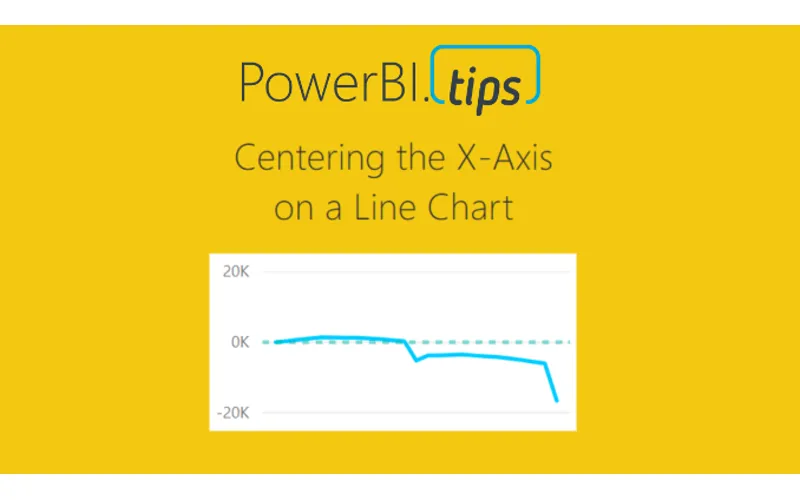
Sometimes when your working on a line chart you want the x-axis to stay centered on a chart. This tutorial will walk you through how to create an X-Axis that will always center it’s self on the graph.

Video Support Material:

The measures discussed within this tutorial are:

Variance All = SUM(Sales[Variance])

The column name Variance is found in the data table called sales.  This is just a numerical column.

After summing up all the variances we can calculate the min and max lines.

Const Max Line = [Variance All] * 1.2

Const Min Line = -1 * [Const Max Line]

Finally to calculate the variance to date you can use this filtered measure, which will only produce historical values.

Variance To Date = CALCULATE([Variance All], FILTER(‘Sales’,‘Sales’[Date] <= EOMONTH(TODAY(),0)))

Thanks for watching our short tutorial.  If you like this video please be sure to follow me (Seth Bauer) on Twitter, LinkedIn and be sure to subscribe to the PowerBI.Tips YouTube channel.

Previous

Power BI and Sudoku – Yes Please

More Posts

Mar 6, 2026

Kicking Off Fabric the Right Way - Ep. 508

Mike and Tommy break down what it really means to start a Fabric implementation the right way, from setting expectations early to choosing practical first moves that won't box teams in later. They also cover a coming permissions change for Fabric data agents that makes semantic models easier for more people to use.

Mar 4, 2026

AI-Assisted TMDL Workflow & Hot Reload – Ep. 507

Mike and Tommy explore AI-assisted TMDL workflows and the hot reload experience for faster Power BI development. They also cover the new programmatic Power Query API and the GA release of the input slicer.

Feb 27, 2026

Filter Overload – Ep. 506

Mike and Tommy dive into the February 2026 feature updates for Power BI and Fabric, with a deep focus on the new input slicer going GA and what it means for report filtering. The conversation gets into filter overload — when too many slicers and options hurt more than they help.