
PowerBI.tips

New Layout – September 2018 Blog Layout

October 2, 2018 By Mike Carlo
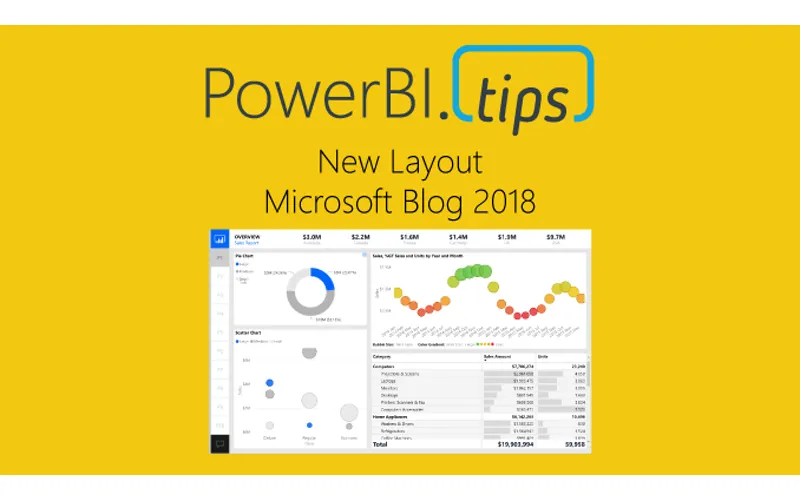
New Layout – September 2018 Blog Layout

In the September 2018 blog post the Microsoft team released a new layout.  This layout has a number of really nice design elements.  However, upon reviewing the file used for this demo found here.  Upon downloading we noticed that the new style of the layout was only one page deep.  As an enhancement to this file we added all the pages, renamed all the elements and created a full PowerBI.Tips layout from this page.  We’d love to share our work with you and hope you enjoy this new layout from PowerBI.tips.

Be sure to download your copy here:

Demo of September 2018 Layout:

Previous

How to use Drillthrough in PowerBI

More Posts

Feb 27, 2026

Filter Overload – Ep. 506

Mike and Tommy dive into the February 2026 feature updates for Power BI and Fabric, with a deep focus on the new input slicer going GA and what it means for report filtering. The conversation gets into filter overload — when too many slicers and options hurt more than they help.

Feb 25, 2026

Excel vs. Field Parameters – Ep. 505

Mike and Tommy debate the implications of AI on app development and data platforms, then tackle a mailbag question on whether field parameters hinder Excel compatibility in semantic models. They explore building AI-ready models and the future of report design beyond Power BI-specific features.

Feb 20, 2026

Living in a Direct Lake World – Ep. 504

Mike and Tommy dive deep into what it means to live in a Direct Lake world, exploring the practical realities of building semantic models on top of Fabric lakehouses. They cover the trade-offs, gotchas, and best practices for teams making the shift from Import mode to Direct Lake.