
PowerBI.tips

Make Custom Visuals – Create a Bar Chart

February 12, 2019 By Mike Carlo
Make Custom Visuals – Create a Bar Chart

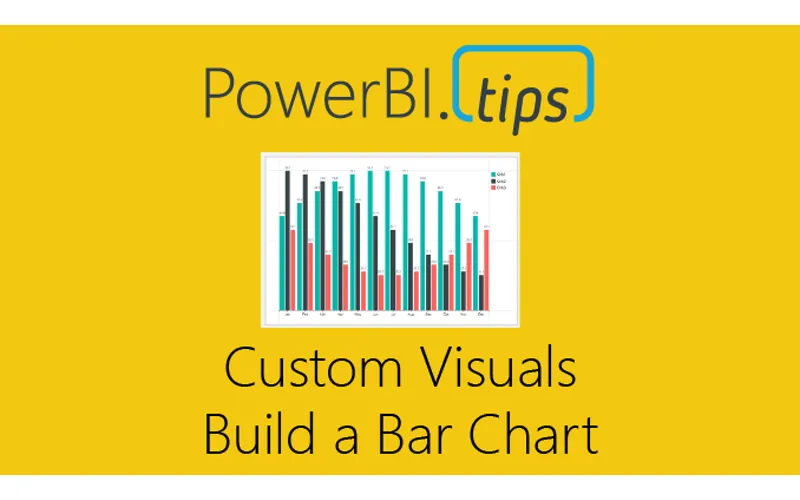
With the release of the custom visuals building tool Charts.PowerBI.Tips we received a number of comments requesting tutorials on how to build visuals.  Ask and you shall receive!  Below is a basic tutorial on how to create a Bar chart.  Within this tutorial we review a couple of the features of the chart tool and how to use them.

Video Tutorial on Building a Basic Bar Chart Custom Visual

Comment below on other topics you would like to see.

Previous

Temple of DAX – 3D

More Posts

Mar 6, 2026

Kicking Off Fabric the Right Way - Ep. 508

Mike and Tommy break down what it really means to start a Fabric implementation the right way, from setting expectations early to choosing practical first moves that won't box teams in later. They also cover a coming permissions change for Fabric data agents that makes semantic models easier for more people to use.

Mar 4, 2026

AI-Assisted TMDL Workflow & Hot Reload – Ep. 507

Mike and Tommy explore AI-assisted TMDL workflows and the hot reload experience for faster Power BI development. They also cover the new programmatic Power Query API and the GA release of the input slicer.

Feb 27, 2026

Filter Overload – Ep. 506

Mike and Tommy dive into the February 2026 feature updates for Power BI and Fabric, with a deep focus on the new input slicer going GA and what it means for report filtering. The conversation gets into filter overload — when too many slicers and options hurt more than they help.