
PowerBI.tips

New Layout - Smooth Operator
March 21, 2019 By Seth Bauer
New Layout - Smooth Operator

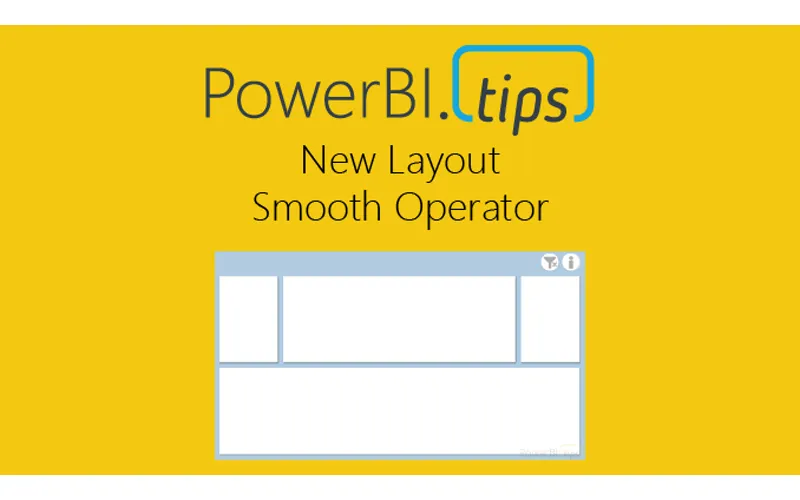
Hey everyone! We’re excited to release our latest layout “Smooth Operator”. Click here to download. We’ve gotten some great feedback from our users and the previous layouts were a bit heavy handed as we tried to create a perfect experience with adding visuals. The difficulty of trying to link up a dataset to the x/y axis made some of those a bit burdensome. As a result, we’re going to streamline the layouts to be super easy to use but yet still providing as much enhanced value with bookmarks, areas for visuals, and using json themes to change look and feel of background and visual elements.

We’re interested in your thoughts on this streamlined approach, so please let us know how you like the new layout - and expect more like it in the future!

Sample of Report:

Previous

Make Custom Visuals – Create a Bar Chart

More Posts

May 8, 2026

Stop Using Bookmarks - Ep.526 - Power BI tips

In Episode 526 of Explicit Measures, Mike Carlo and Tommy Puglia unpack the latest Power BI and Microsoft Fabric topics from the show. You’ll get a quick read on the episode’s biggest ideas, why they matter, and where to dig deeper in the full conversation.

May 6, 2026

Less Guessing? More Building! - Ep.525 - Power BI tips

In Episode 525 of Explicit Measures, Mike Carlo and Tommy Puglia unpack the latest Power BI and Microsoft Fabric topics from the show. You’ll get a quick read on the episode’s biggest ideas, why they matter, and where to dig deeper in the full conversation.

May 1, 2026

Fabric's Most Underrated Features - Ep.524 - Power BI tips

In Episode 524 of Explicit Measures, Mike Carlo and Tommy Puglia unpack the latest Power BI and Microsoft Fabric topics from the show. You’ll get a quick read on the episode’s biggest ideas, why they matter, and where to dig deeper in the full conversation.