
How to Navigate Hierarchies on a Visual in Power BI
September 10, 2018
By Mike Carlo
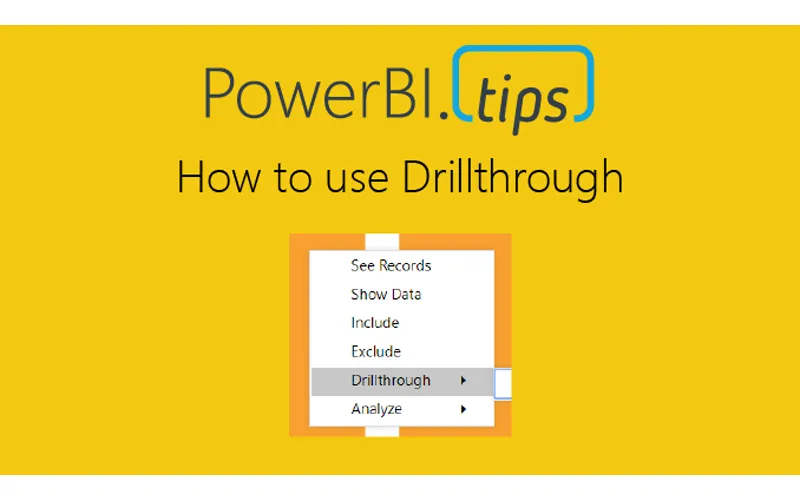
In Power BI reports various features are used to enhance the reporting experience. A hierarchy is a ordered set of values that are linked to the level above. An example of a hierarchy could be Country, State, and City. Cities are in a State, and States make up a Country. In Power BI visuals can handle hierarchy data and provide controls for the user to navigate up and down the hierarchy. This tutorial walks you through how to use hierarchies inside a visual.