
PowerBI.tips

Respect Layers

December 4, 2018 By Seth Bauer
Respect Layers

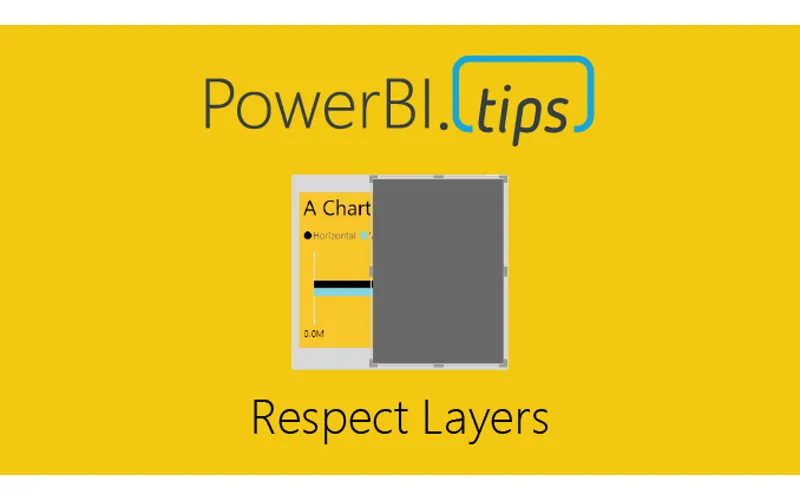
If you are like me and you like making your reports look extra good with different visual elements you’ve probably come across the issue before where you use shapes or images layered behind a visual. What you have quickly discovered is that an end user can mistakenly click on that background layer and the entire object pops from the background to the foreground. In this quick tutorial, we’ll show you how to STOP this from happening! We learned the technique through a webinar given by Miguel Myers and wanted to make sure we spread the word because it will have a huge impact on how we can build reports!

Previous

New Game – aMAZEing DAX

More Posts

Mar 4, 2026

AI-Assisted TMDL Workflow & Hot Reload – Ep. 507

Mike and Tommy explore AI-assisted TMDL workflows and the hot reload experience for faster Power BI development. They also cover the new programmatic Power Query API and the GA release of the input slicer.

Feb 27, 2026

Filter Overload – Ep. 506

Mike and Tommy dive into the February 2026 feature updates for Power BI and Fabric, with a deep focus on the new input slicer going GA and what it means for report filtering. The conversation gets into filter overload — when too many slicers and options hurt more than they help.

Feb 25, 2026

Excel vs. Field Parameters – Ep. 505

Mike and Tommy debate the implications of AI on app development and data platforms, then tackle a mailbag question on whether field parameters hinder Excel compatibility in semantic models. They explore building AI-ready models and the future of report design beyond Power BI-specific features.