
PowerBI.tips

Apply a Filter to a Slicer
May 17, 2018 By Mike Carlo
Apply a Filter to a Slicer

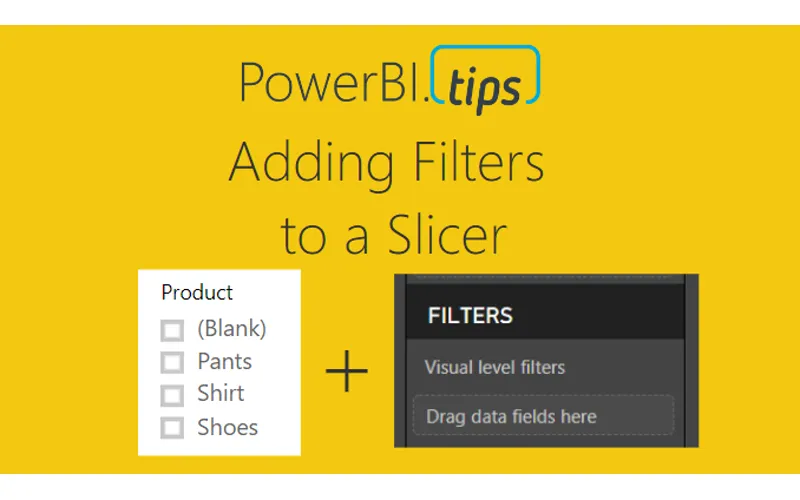
Often when working with a Power BI report you will add a slicer that has a “Blank” item in the selection criteria.  From a usability standpoint you might not want this item shown.  Or maybe you have multiple items in the slicer that you would like to hide from the report consumers.  The video, linked below, walks you through why the “Blank” item is shown and how to remove it.

Video on Adding Filters to a Slicer

Additional Slicer Materials

If you want to read more about syncing slicers check the official documentation release from the Microsoft Power BI Blog.  This feature was originally released in February of 2018 and was announced here in the Power BI Blog.

Thanks for watching.  If you like this content be sure to subscribe and follow along for more content.

Subscribe to me on YouTube.  Or follow me on the social channels, Twitter and LinkedIn where I will post all the announcements for new tutorials and content.

YouTube

Linkedin

Twitter

Previous

When to Use Publish to Web

More Posts

Aug 13, 2026

Fabric as a Backend – Ep.554

Mike has been building apps on Fabric as a backend since January, and he's coining it FAB. The case isn't that you already own Fabric — it's that the workspace identity, git integration, and SQL database remove the wiring you'd otherwise do by hand in Azure.

Aug 11, 2026

Crawl, Walk, Run with AI in PBI – Ep.553

Meagan Longoria's five-stage maturity model for agentic Power BI development gives Mike and Tommy a framework to argue with. They mostly agree — except on the crawl stage, where Mike thinks starting with an MCP server beats starting with a chatbot.

Aug 6, 2026

Power BI Desktop Bridge – Ep.552

Desktop Bridge gives agents a local server to drive Power BI Desktop — reload files, check report state, and take screenshots so the agent can verify its own work. Mike and Tommy agree on the prerequisite: don't use it without skills.