
New Layout – One
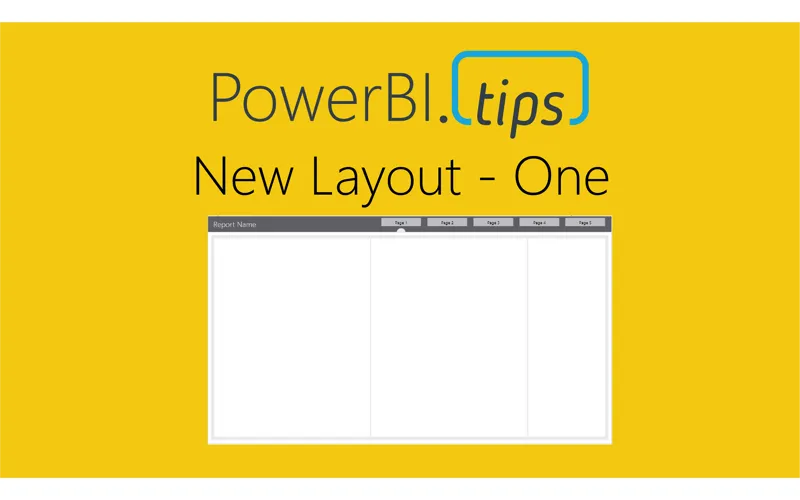
This layout continues to deliver fantastic visual guides to make your reports look top notch. This layout utilizes buttons for navigation without locking in the position in the layout background. We also really like how this layout uses the theme templates to change the background header color to anything you would want. The semi-circle that indicates which page you are on is a free form image and can be changed around if you want to re-arrange the pages. Our branded layout gives you 5 pages of fun, while our unbranded version throws in 10 pages and includes all 10 background .png image files to make your report building even easier.
Features of this report
- Free documentation provided by PowerBI.Tips included on the Report Features page
- 10 pages of different layouts – Unbranded
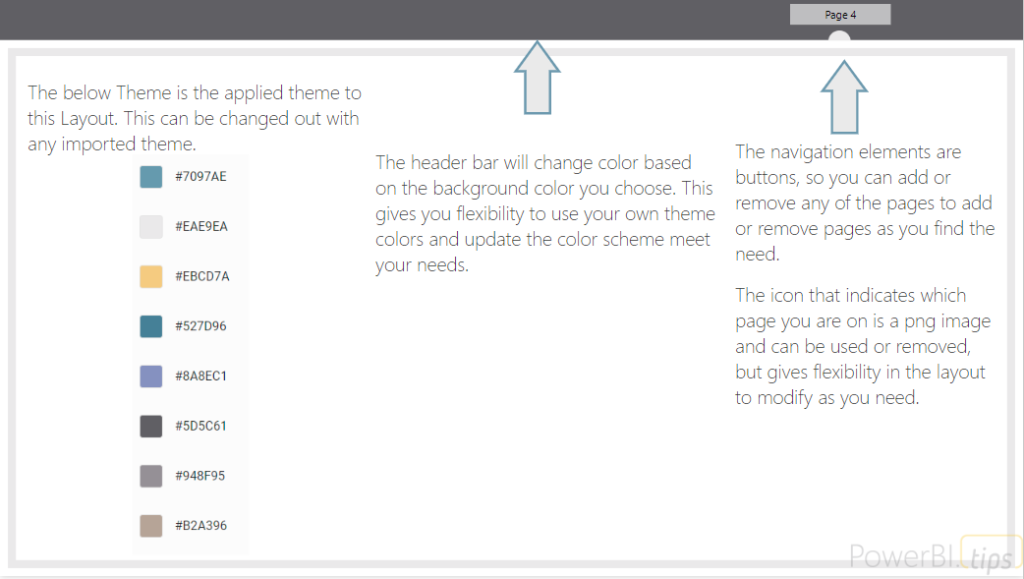
- 5 pages with navigation built with buttons in the report (Easily swap out a different background)
- 10 PNG images of all the backgrounds to use in this report or others – Unbranded
- Navigation dot – included icon image for complete flexibility
- Customizable top ribbon (color of buttons and background header are can be altered with themes)
- No PowerBI.Tips Branding on any of the main report pages – Unbranded
One – Capabilities
Get a feel for all the page layouts and interactions available in this report by using the below example we’ve embedded via Power BI.