
PowerBI.tips

Using Lasso with New Shortcuts
May 6, 2020 By Mike Carlo
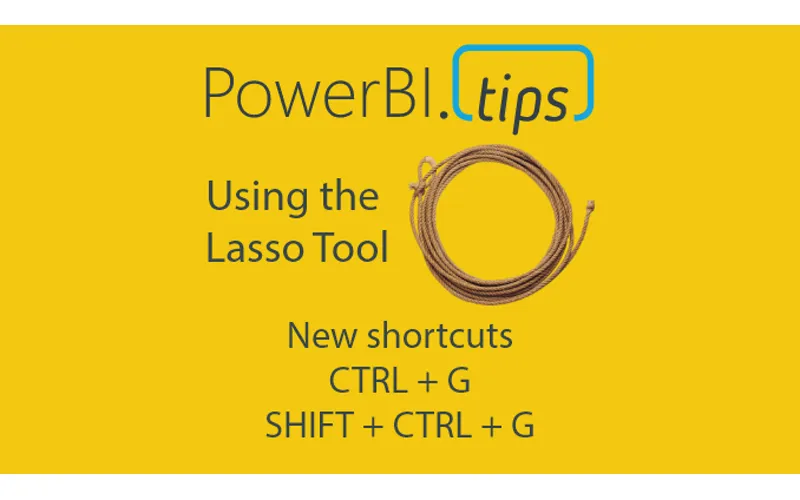
Using Lasso with New Shortcuts

The April 2020 Power BI desktop release is an amazing release. This month the Power BI team has released a new lasso feature to enable users to select multiple visuals at a time. For me working in reports with lots of strategically placed visuals, this is HUGE!! How many times have I struggled to select a visual. Or, better yet needed to open up the visualization pane to select visuals from a list. The Lasso feature is a very welcome addition to the Power BI toolkit.

New Shortcuts

Another interesting feature that I found this month is the ability for Grouping visuals using key commands.

You can Group Visuals using CTRL + G

Then you can Un-Group them using SHIFT + CTRL + G

Like all visual editing programs and even in power point these commands are very common. Thus, seeing these commands in Desktop is amazing. Power BI Team, thanks so much for your wonderful work!!!

Video Tutorial

Download PowerBI Desktop

Want to use these features. Head on over to the PowerBI.com site and download the latest release. Download Here

Previous

Get to know ALM Toolkit

More Posts

May 8, 2026

Stop Using Bookmarks - Ep.526 - Power BI tips

In Episode 526 of Explicit Measures, Mike Carlo and Tommy Puglia unpack the latest Power BI and Microsoft Fabric topics from the show. You’ll get a quick read on the episode’s biggest ideas, why they matter, and where to dig deeper in the full conversation.

May 6, 2026

Less Guessing? More Building! - Ep.525 - Power BI tips

In Episode 525 of Explicit Measures, Mike Carlo and Tommy Puglia unpack the latest Power BI and Microsoft Fabric topics from the show. You’ll get a quick read on the episode’s biggest ideas, why they matter, and where to dig deeper in the full conversation.

May 1, 2026

Fabric's Most Underrated Features - Ep.524 - Power BI tips

In Episode 524 of Explicit Measures, Mike Carlo and Tommy Puglia unpack the latest Power BI and Microsoft Fabric topics from the show. You’ll get a quick read on the episode’s biggest ideas, why they matter, and where to dig deeper in the full conversation.