
Unlock Your Creativity with the Power BI Tips Designer: Exciting New Features!
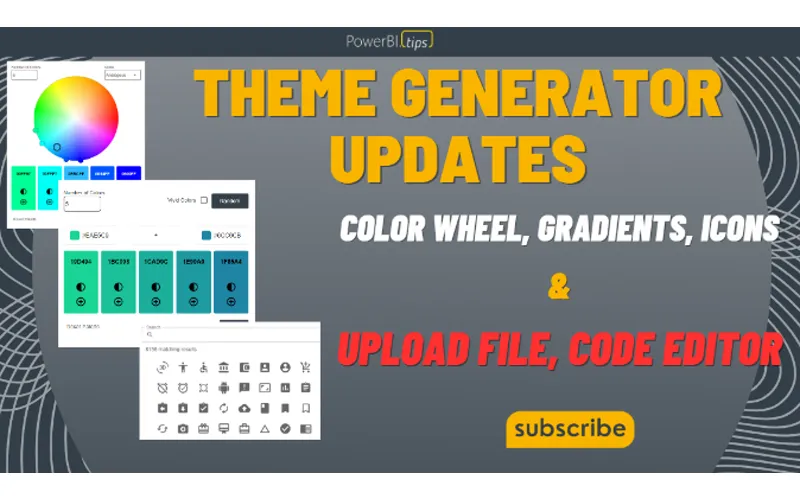
At Power BI Tips, we’re committed to providing you with the best tools and resources to enhance your report building experience. That’s why we’re thrilled to announce a range of exciting new features to the Power BI Tips Theme Generator! With these new additions, we’re taking theme customization to a whole new level and empowering you to create consistent, visually stunning reports and dashboards like never before.
Introducing the Color Wheel:
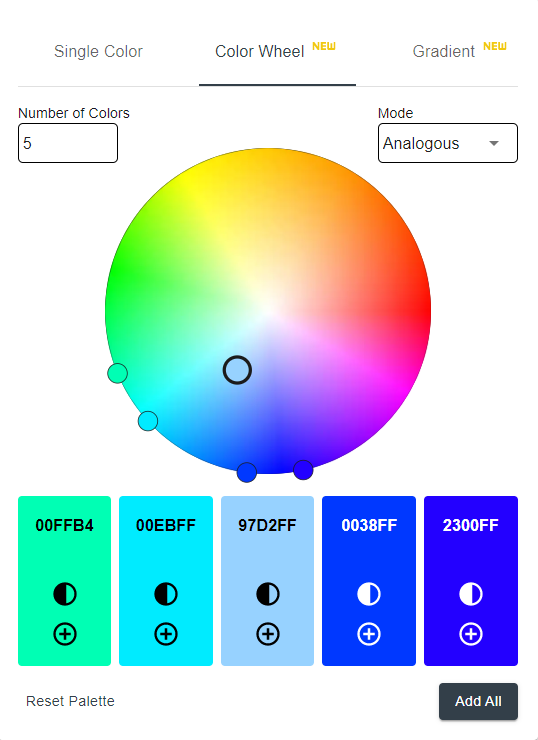
We understand that choosing the perfect colors for your visualizations can be a challenging task. That’s why we’ve integrated a brand-new color wheel into the Theme Generator. Now, you can effortlessly explore an extensive range of colors and find the perfect palette that aligns with your brand or design preferences. The Color Wheel feature makes it easy to experiment with different color combinations, ensuring your visualizations are visually striking and impactful.
Enhanced Gradient Selections:
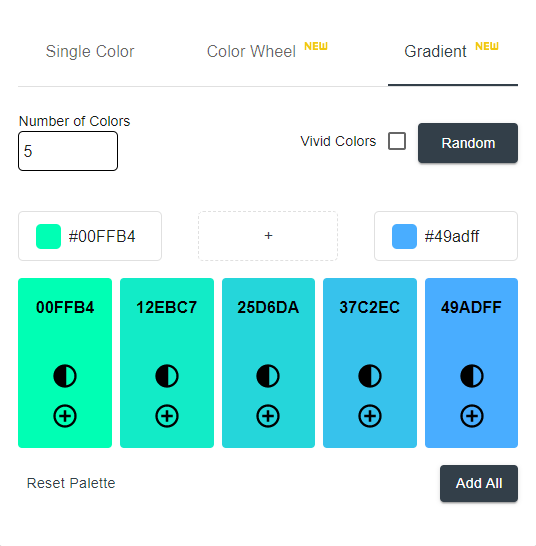
Gradients add depth and visual interest to your reports and dashboards. With our enhanced gradient selections, you can now choose from a wide array of gradient styles to create eye-catching visualizations. Whether you prefer subtle transitions or bold color shifts, the Power BI Tips Theme Generator has you covered. Unleash your creativity and elevate your designs with stunning gradient effects.
Customizable Icons:
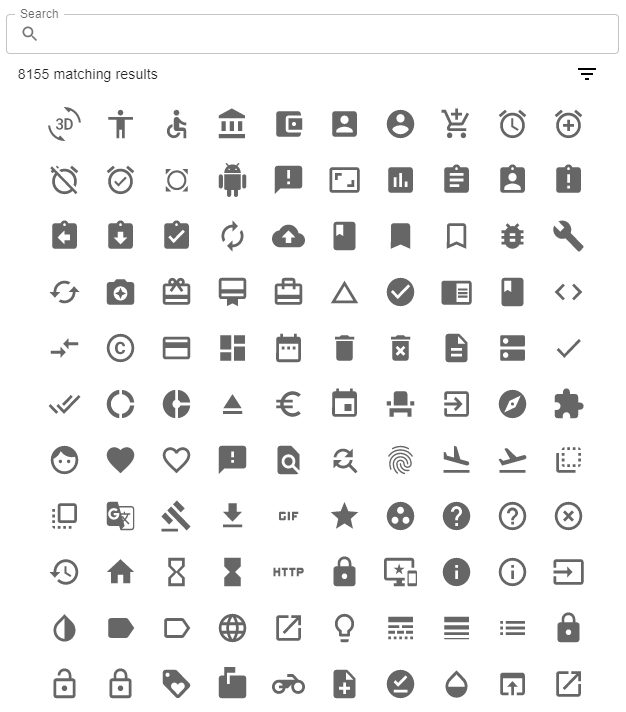
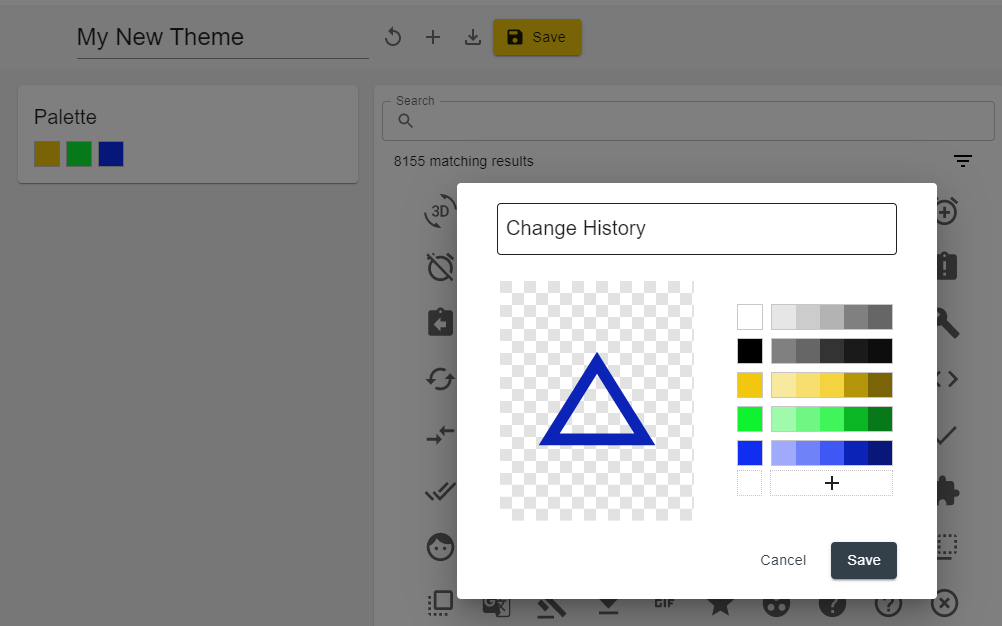
Icons are an essential element of any table or matrix, providing visual cues and enhancing the overall user experience. Now, with the Power BI Tips Theme Generator, you can not only choose from a vast library of icons but also customize their colors to match your theme perfectly. Seamlessly integrate icons into your visualizations and make them more engaging and intuitive for your audience. Build fully customized experiences with over 8,000 icons to choose from.
Upload and Apply Theme Files:
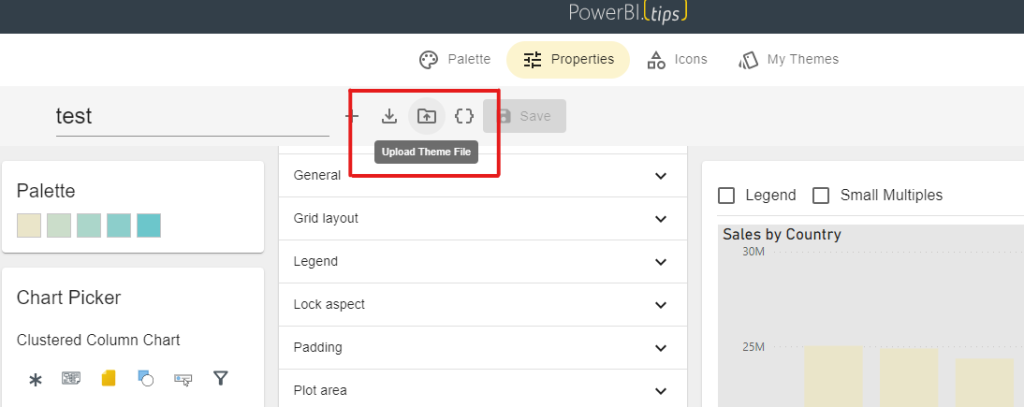
We’ve listened to your feedback, and we’re excited to introduce the ability to upload and apply theme files within the Power BI Tips Theme Generator. If you have existing theme files or want to try out themes created by others, simply upload them and see the magic unfold. This feature allows for seamless collaboration, sharing of themes, and easy updates saving you valuable time and effort. Themes are easily uploaded and validated against the new Microsoft specifications. Issues and code bugs are highlighted by row and easily discoverable in the Code Editor.
Introducing the Code Editor:
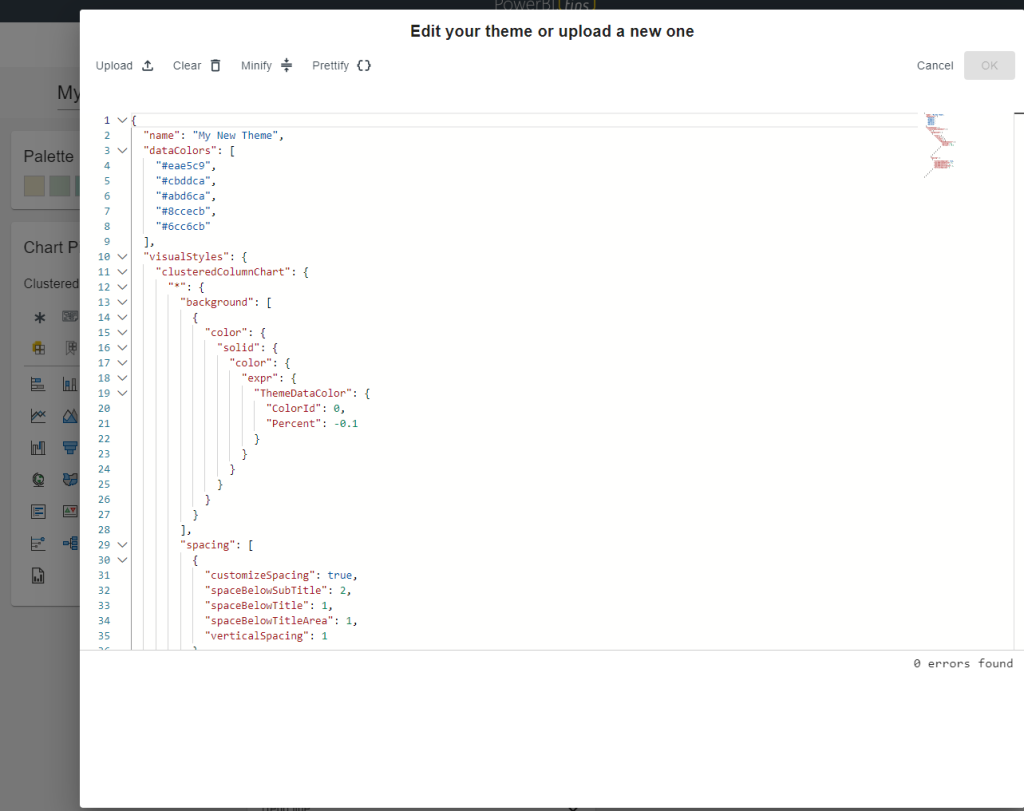
Advanced users and developers are going to be thrilled with the new Code Editor feature. With this powerful tool, you can now dive deep into the code behind your themes and make intricate customizations. This level of control gives you the flexibility to fine-tune every aspect of your theme and create truly unique and tailored designs.
Unlock the Full Potential with Tips+ Themes Subscription:
Some of these exciting new features are only available by signing up for the Tips+ Themes subscription. With this subscription, you gain access to the entire suite of advanced features. This includes access to all Customizable Icons, Upload and Verify Theme Files, and the Code Editor. The Themes Generator is designed to supercharge your creativity and streamline your theme creation process. Elevate your reports, captivate your audience, and have confidence that all your reports will look amazing.