
New Layout – Square One
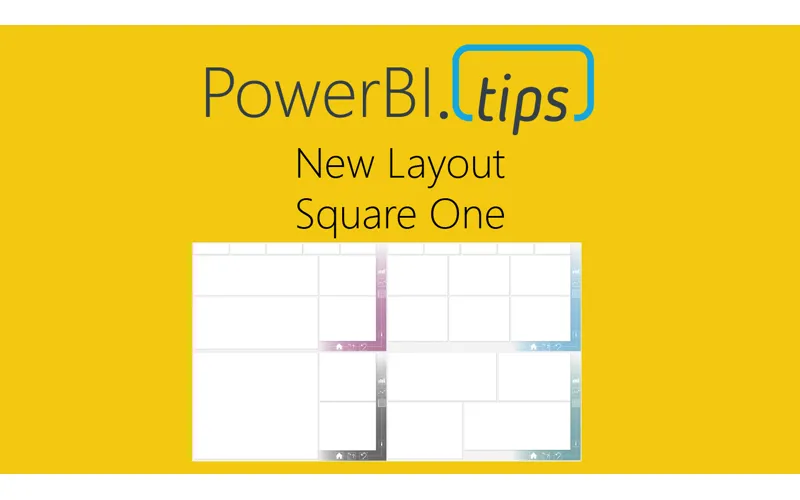
“Square One” utilizes the color theme as a background component that adds a pop of accent color only. This gives you the end user the maximum flexibility to incorporate color themes that match your needs without drawing to much attention on the main part of the page. Click here to download
The icons are part of the background so that the colors come through with the icons, but this also keeps the same flexibility in that if you have different icons, you can always place those behind the clear buttons placed on the report. We’ve only tied in 3 of the icons to buttons and bookmarks as the others can be added by you as you develop and build out the report.
The idea behind the icons on the right follow two different thought patterns.
First, a Summary, more granular, and then table views of data. In this vein, you would create a clear bookmark to re-direct to the different pages showing that level of information.
Second, would be to create toggles on each page to view visuals in current state vs. over time and use the icons to flip between the two.
Let us know your thoughts on this new layout idea, we hope you get a lot of use out of it!