
Unlock Effortless Power BI Theming with the New Gallery Feature
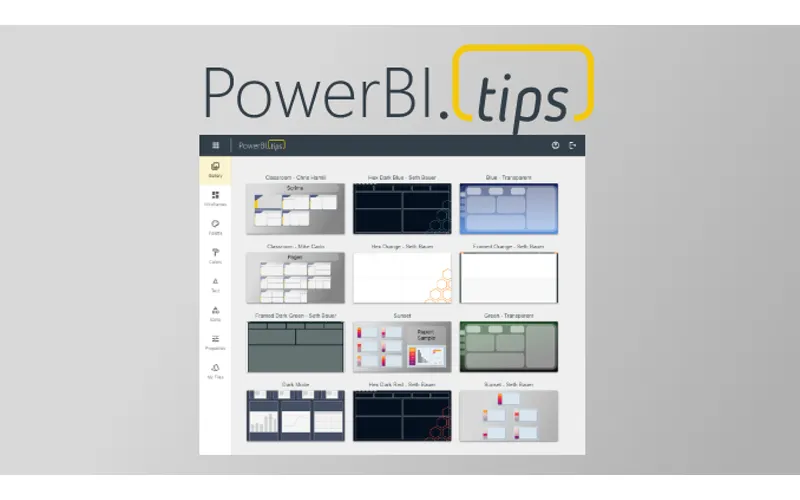
The Power BI Tips Theme Generator tool already allows you to easily interact with, and adjust, all the visual properties, wireframes, etc… How could we possibly make Power BI Theme building an effortless experience? We start with building it all for you, then letting you adjust it!
The all new Gallery feature represents a significant leap forward in simplifying the theming process for all. This feature is especially for the business users! But, it also opens up exciting opportunities for the Power BI community to contribute in the future as well.
Introducing the Gallery Feature
With the introduction of the Gallery feature, the Tips Theme Generator has reached a new pinnacle of usability and accessibility. This feature combines all the technology and expertise that has made the Tips Theme Generator the best in the business. The primary aim of this feature is to cater to business users who might not have the time, inclination, or design expertise to build their themes from scratch.
The Simplicity of Using the Gallery
The Gallery feature simplifies theming to the point where you don’t need to be a design expert to make your reports look fantastic. It offers a curated selection of the best themes, ready for you to use. The process is as easy as browsing through the Gallery, picking your favorite masterpiece, and applying it to your Power BI reports.
Browse
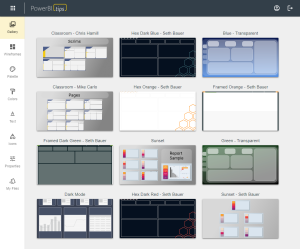
Preview
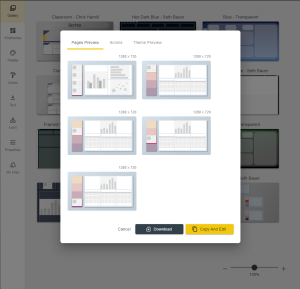
Download
With Tips+ you can save a copy to your Files, customize it, and use it indefinitely as your own!
Benefits for Business Users
- Time Savings: Business users can now skip the intricate theming process, saving valuable time that can be better spent on data analysis and decision-making.
- Professional Results: Even without design skills, business users can achieve professional-quality themes that make their reports stand out.
Empowering the Power BI Community
The Gallery feature not only benefits business users but also opens doors for future contributors within the Power BI community. Our goal is to have experts and enthusiasts have a platform to showcase their visualization skills and offer their projects to a wider audience. This collaborative approach fosters a sense of community and support among Power BI users. If you are interested in being part of the Power BI Tips Gallery contributor program please fill out this form.
Getting Started with the Gallery
To access the Gallery feature, simply visit the Power BI Tips Theme Generator and navigate to the Gallery section. Browse through the projects, preview them, download the .pbip project file and apply your data effortlessly. It’s as simple as that. (The number of Themes to choose from will just continue to expand and grow).
Wrapping Up
The Gallery feature in the Power BI Tips Theme Generator is a game-changer for business users and the Power BI community alike. It simplifies theming to an unprecedented level, empowering users to create stunning reports with minimal effort, while still maintaining the ability to fully customize them. At the same time, we invite experts from the community to contribute and share their theming expertise with us. This is an exciting step forward in the world of Power BI theming, and we can’t wait to see the incredible reports that will result from it. Happy theming!