
PowerBI.tips

Microsoft Business Applications Summit – New Layout – Purple Haze

July 30, 2018 By Mike Carlo
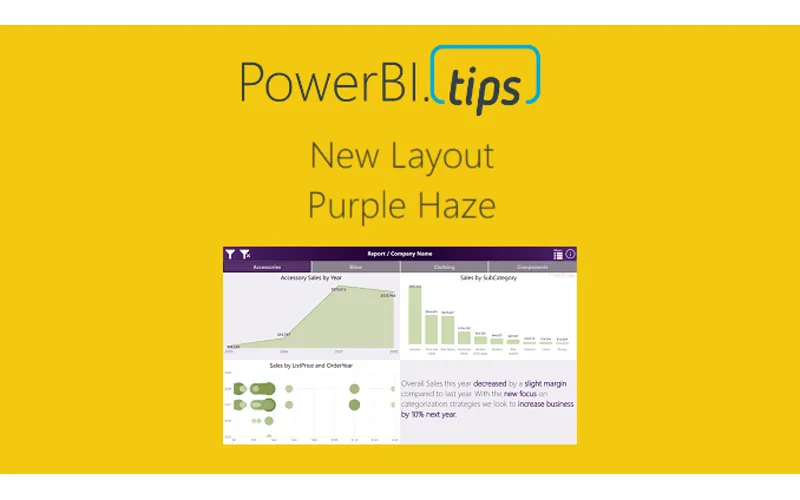
Microsoft Business Applications Summit – New Layout – Purple Haze

In honor of the 2018 Business Applications Summit, PowerBI.Tips has published a new layout, Purple Haze.  Purple Haze is the brain child of Seth Bauer, and utilizes the latest features of the July 2018 Power BI Desktop.

In the previous versions of Power BI desktop there was always a header present at the top of a visual.   Now, the header is no longer needed, and design elements within the report can extend all the way to the very top of the report page.  This is great news for report designers and new possibilities for Layouts.

Hit the link to download the Purple Haze layout.

[product id=”18324″ ]

Cool Features of Purple Haze:

  • The report comes with four (4) pages.  In the example the are listed as Accessories, Bikes, Clothing, and Components.  By Clicking on these buttons the report navigates to a new page where all the visuals for these topics exist.
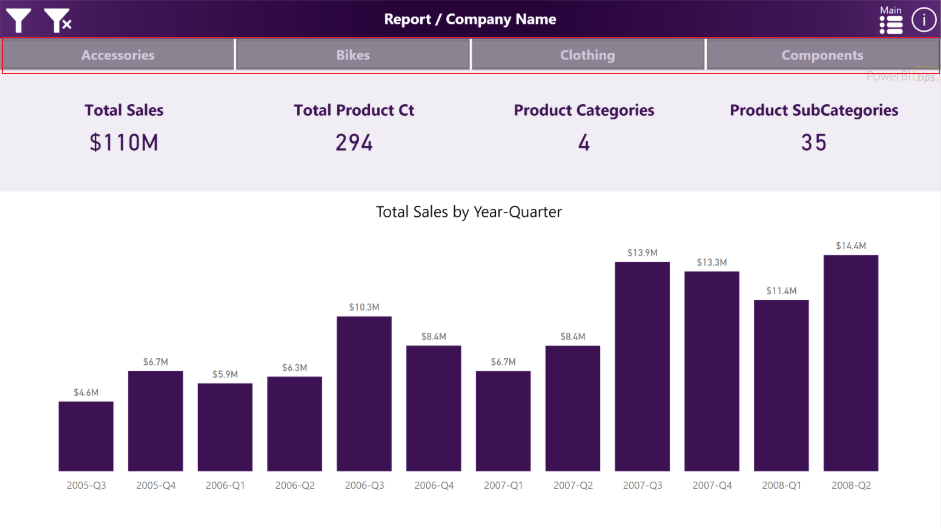
Purple Haze Menu Bar

Purple Haze Menu Bar

  • The filters across the top of the report are using an upper third filter context window.  This window is exposed when clicking on the filter icon, which is found in the upper left hand corner of the report:
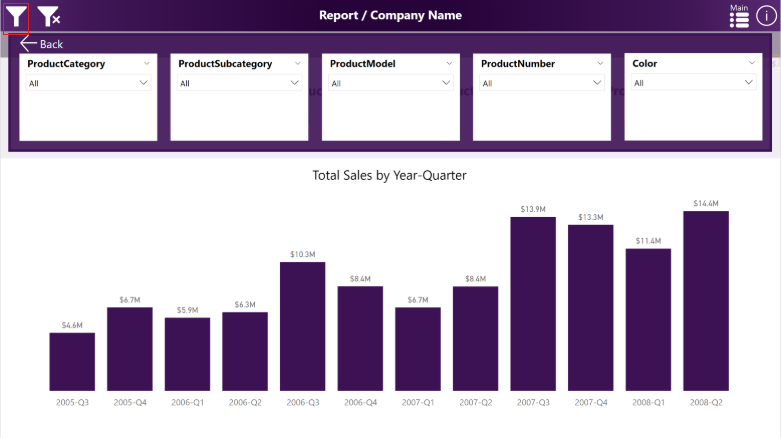
Purple Haze Filter Menu

Purple Haze Filter Menu

We hope you enjoy this new free layout.

Previous

Microsoft Business Application Summit – PowerBI.Tips 2018 Top Tips and Tricks

More Posts

Jun 10, 2026

Microsoft Build Recap – Ep.535

Mike and Tommy recap Microsoft Build 2026 through a Power BI and Fabric lens, focusing on the announcements that matter most for report builders, semantic models, and agent-driven app development. They unpack why Rayfin, Replit integration, OneLake, and new Fabric skills signal a shift from asking AI for answers toward using agents to create real production artifacts.

Jun 5, 2026

CI/CD Automation with Agents – Ep.534

Mike and Tommy explore how agents can simplify CI/CD in Fabric by helping teams work through Git workflows, merge conflicts, validation, and deployment automation. They also compare deployment pipelines with Git-based approaches and explain why small, testable automations are the safest way to start.

Jun 3, 2026

Claude Design & Power BI Embedded – Ep.533

Mike and Tommy explore how Claude Design, agentic workflows, and HTML wireframes could reshape report prototyping for Power BI teams. They also debate where today’s tooling still falls short, especially for Power BI Desktop users who need practical ways to turn context, design ideas, and embedded experiences into working reports.