
Power BI Hack: Download Report Authored in Browser as PBIX
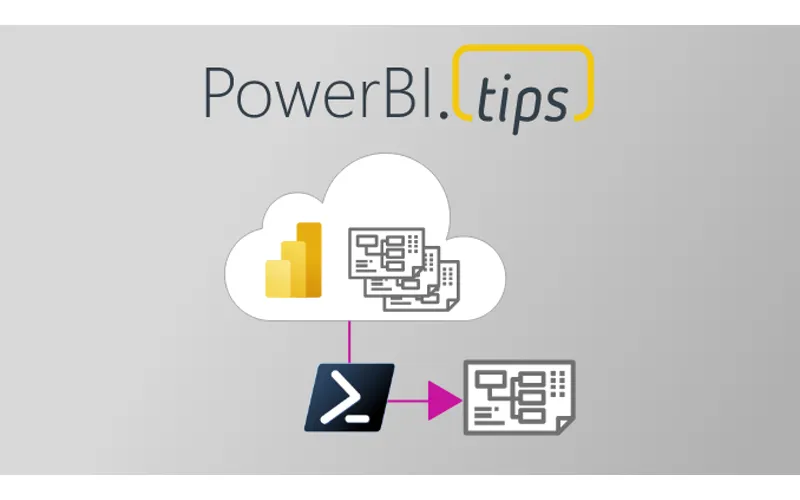
How do I download a Power BI report authored in the browser as a PBIX?
TL;DR. Browser-authored reports will not download as PBIX. Publish a blank PBIX, copy the browser report content into it with the Power BI REST API (Update Report Content In Group), then download that PBIX. The linked PowerShell function wraps the API calls.
Why can I not download a browser-authored report as PBIX?
If the report was never created as a PBIX, the Power BI service will not offer a PBIX download. Only reports that originated as PBIX files can be downloaded that way.
What is the workaround?
Publish a blank PBIX to the service, then copy the browser-authored report content into that blank report. Because the target started as a PBIX, you can download it afterward.
Which API endpoint does this use?
The Power BI REST API endpoint Update Report Content In Group. Manual API calls are messy. The linked PowerShell function wraps those steps.
What PowerShell module do I need?
Install the MicrosoftPowerBIMgmt.Profile module. Run the linked script, then call Copy-PowerBIReportContentToBlankPBIXFile from the same PowerShell window.
Which parameters does the function take?
sourceReportId, sourceWorkspaceId, targetReportId, and optional targetWorkspaceId. If you omit the target workspace, the function assumes source and target share one workspace.
Related: Split an existing Power BI file into a model and report, Updating PBIX files in SharePoint: Dos and Don’ts, Power BI Layouts PBIR Gallery, and Power BI Theme Generator.
The Problem
Most of you have probably run into a situation where someone in your organization has authored a report in the Power BI web service, and now they want to make changes that can only be done with Power BI Desktop. So, you try to download the PBIX file from the Power BI web service, only to discover that you can’t, because if it wasn’t created as a PBIX, it can’t be downloaded as a PBIX. Infuriating!

The Solution (sorta…)
There’s actually a way to get around this problem. If you publish a blank PBIX file to the Power BI web service, you can copy the contents of the report that was originally authored in the browser into that blank report. And since that report was originally a PBIX file, you can download that instead!
Unfortunately, the only way to do this right now is to use the Power BI REST API and hit the Update Report Content In Group endpoint, and this process is just about as straightforward as Lombard Avenue in San Francisco. (Actually, probably even less so.)

Lombard Avenue in San Francisco: Famously bendy, but still more straightforward than manually hitting Power BI APIs.
PowerShell to the Rescue!

Hooray for PowerShell!
So, I wrote a PowerShell function to simplify and streamline this process, and its only prerequisite is the MicrosoftPowerBIMgmt.Profile module for PowerShell. Just run the script file (linked below) in your PowerShell terminal, and then call the Copy-PowerBIReportContentToBlankPBIXFile function directly from that same window. The expected parameters are:
- sourceReportId: The ID of the report to copy from
- sourceWorkspaceId: The ID of the workspace to copy from
- targetReportId: The ID of the report to copy to
- targetWorkspaceId: The ID of the workspace to copy to (this one is optional – if you leave it blank, the function will assume both source and target are in the same workspace)
Download the Copy-PowerBIReportContentToBlankPBIXFile.ps1 PowerShell script file here.
As always, feedback and suggestions are 100% welcome and encouraged.

Cheers!
~ James
Acknowledgements:
This PS function was inspired by a blog article written by one of the top minds in the Power BI space, Mathias Thierbach. Check out his article here. And if you’re not already using his pbi-tools for Power BI version control, you should check that out too.