
PowerBI.tips

Microsoft Data Insights Summit
June 13, 2017 By Mike Carlo
Microsoft Data Insights Summit

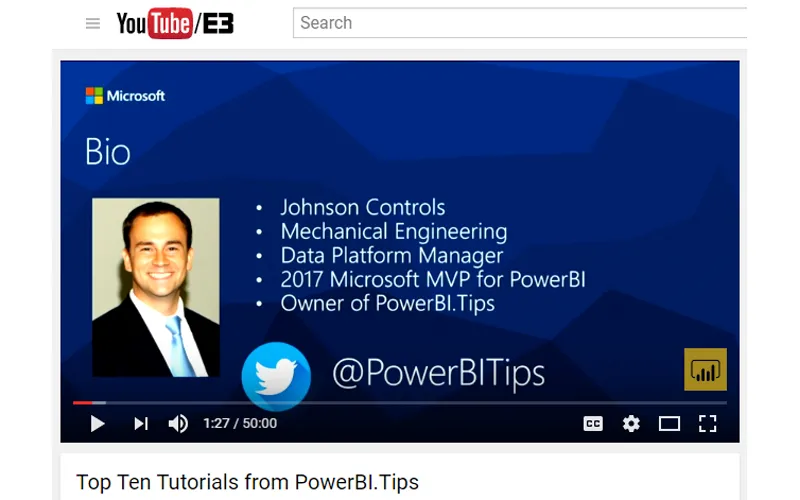
This year I had the wonderful privilege to attend the Microsoft Data Insights summit for 2017 as a speaker.  My topic was the Top Ten Tutorials from PowerBI.Tips.  So, let me say thank you to all those who attended you provided a very fun audience and were very positive, Thanks.   For those of you who couldn’t make it to the Data Insights Summit below is the actual talk:

We went through 10 different tutorials in 50 minutes.  Needless to say we went pretty quick.  So, if you were there, or just want to go through the tutorials on your own here is the list of the Top Ten Tutorials.

10. Loading Data From a Folder ( Link to Tutorial )
9. Using Parameters ( Link to Tutorial )
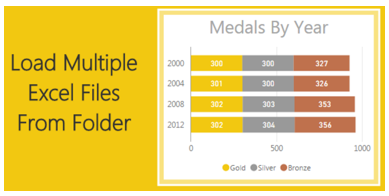
8. Loading Multiple Excel Files ( Link to Tutorial )
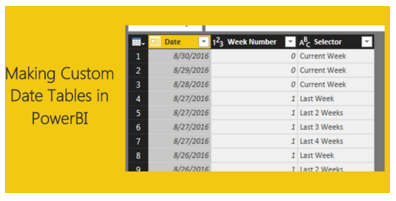
7. Custom Date Tables ( Link to Tutorial )
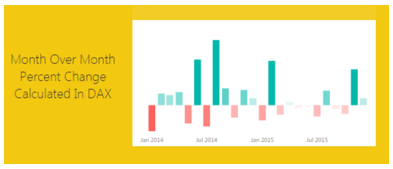
6. Percent Change ( Link to Tutorial )
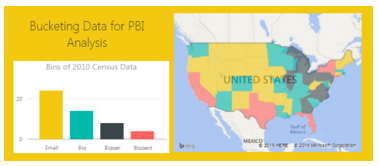
5. Histograms & Disassociated Tables ( Link to Tutorial )
4. Bar and Whisker Plot in R ( Link to Tutorial )
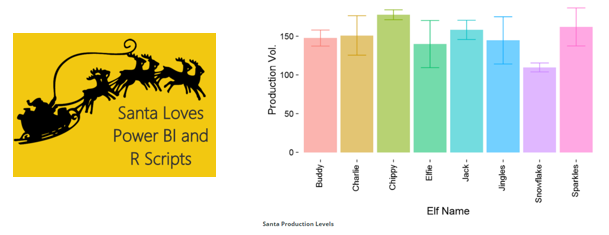
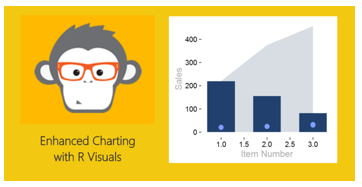
3. Bar, Scatter, and Area Chart in R ( Link to Tutorial )
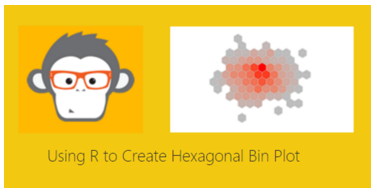
2. HEX Bin Scatter Plot in R ( Link to Tutorial )
1. Color Theme Generator ( Link to Tutorial, Link to Advanced Color Theme Generator )
If you wan to learn more about Power BI or DAX follow this Link to books and other helpful Power BI resources.

Previous

Power BI June 2017 Release

More Posts

Jun 10, 2026

Microsoft Build Recap – Ep.535

Mike and Tommy recap Microsoft Build 2026 through a Power BI and Fabric lens, focusing on the announcements that matter most for report builders, semantic models, and agent-driven app development. They unpack why Rayfin, Replit integration, OneLake, and new Fabric skills signal a shift from asking AI for answers toward using agents to create real production artifacts.

Jun 5, 2026

CI/CD Automation with Agents – Ep.534

Mike and Tommy explore how agents can simplify CI/CD in Fabric by helping teams work through Git workflows, merge conflicts, validation, and deployment automation. They also compare deployment pipelines with Git-based approaches and explain why small, testable automations are the safest way to start.

Jun 3, 2026

Claude Design & Power BI Embedded – Ep.533

Mike and Tommy explore how Claude Design, agentic workflows, and HTML wireframes could reshape report prototyping for Power BI teams. They also debate where today’s tooling still falls short, especially for Power BI Desktop users who need practical ways to turn context, design ideas, and embedded experiences into working reports.