Dec 6, 2019
More Visuals Mo Problems
In some recent conversations the notion of minimizing the number of required visuals came up as a topic. While I know from talking with the Microsoft...

Page 21 of 25
Dec 6, 2019
In some recent conversations the notion of minimizing the number of required visuals came up as a topic. While I know from talking with the Microsoft...
Nov 27, 2019
Over the course of time Power BI has come to encompass a wide variety of technologies and tools. One such product that has been integrated into the su...

Nov 20, 2019
For each visual in Power BI Desktop there is a button called Focus Mode. This feature highlights a single visual. While this can be helpful, it does r...
Nov 12, 2019
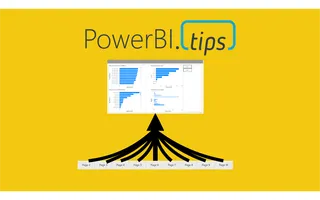
How do I consolidate several report pages into one page with visual groups and bookmarks?

Nov 9, 2019
This post will walk through how to pull an estimated household income from a US address. It will be completed all in the Power Query Editor. We will c...
Nov 5, 2019
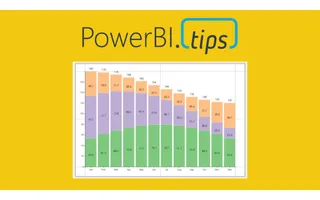
For this week we are building a stacked bar chart on https://Charts.PowerBI.Tips. While you can build this type of char...
Oct 30, 2019
This month at our Power BI User group in Milwaukee Seth and myself walk through some of the basics of Power BI. We digest how can we leverage Power BI...
Oct 29, 2019
How do I build a Power BI gateway cluster?
Oct 23, 2019
In October of 2019 Power BI released a new file type, PBIDS. The Power BI Desktop Source (PBIDS) file is a JSON object file that aids users connecting...

Oct 22, 2019
How do you get historical stock prices in Power Query?
Oct 15, 2019
As a user that builds Power BI reports, did you know the different technologies that come into play when you interact with the tool? This is one of th...
Oct 8, 2019
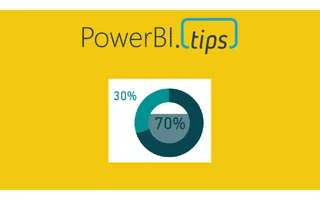
We are starting today off with a fun chart. We will be making a filled donut chart. Typically, I don’t use donut charts but in this case I think we ha...
Oct 2, 2019
How should you organize Power BI datasets for report authors?

Sep 30, 2019
How do I set a custom sort order inside a DAX measure?
Sep 26, 2019
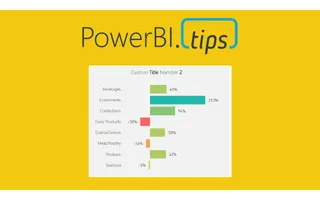
# Grouping with Style The release of grouping visuals was an extremely welcomed feature. As one who builds lots of reports grouping elements together...
Sep 17, 2019
I recently encountered a really frustrating experience related to a set of reports seeming to not update after some data source changes. I’d done this...
Sep 11, 2019
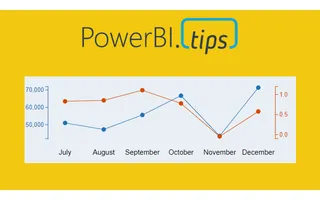
Ever need two different scales on the Y-Axis of a line chart? If so, then this tutorial is for you. Learn how to create a dual y-axis line chart.

Sep 3, 2019
How does Power BI data refresh work?
Aug 30, 2019
This layout continues to deliver fantastic visual guides to make your reports look top notch. This layout utilizes buttons for navigation without lock...
Aug 8, 2019
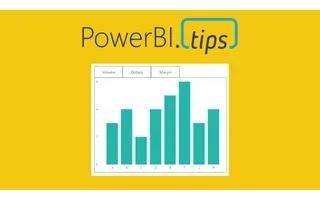
How do I use buttons to switch one chart between Volume, Dollars, and Margin?
Jul 18, 2019
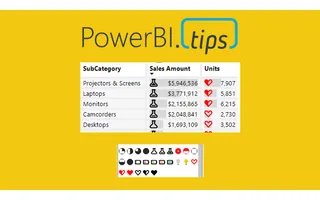
I am just bursting with excitement!! This month the amazing Power BI team has yet again come out with a great new feature, Icon sets. In addition to t...
Jul 11, 2019
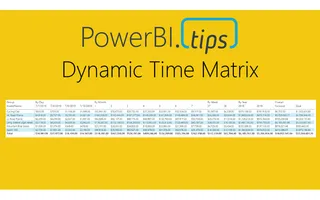
How do I build a Power BI matrix that shows days, weeks, months, and years up to today?
Jul 3, 2019
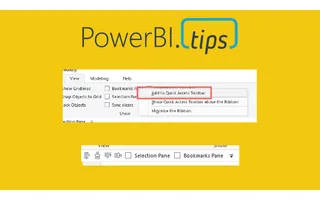
I’m a lazy engineer. Let me qualify my statement. In lazy I mean I like to find the path of least resistance, the shortest distance between two poin...

Jun 20, 2019
This year the Microsoft Business Application Summit (MBAS) was held in Atlanta Georgia. Despite some travel snafu’s (3 rebooking’s and 9 delays), we m...