October 17, 2016
Pareto Charting in PowerBI
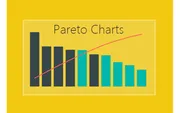
Build a Pareto chart in Power BI using DAX measures for cumulative totals and percentages. Identify which products comprise the majority of your sales.
Tag
10 posts
October 17, 2016
Build a Pareto chart in Power BI using DAX measures for cumulative totals and percentages. Identify which products comprise the majority of your sales.
October 4, 2016
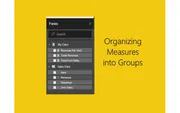
Organize your Power BI data model by creating a dedicated measures table. Group all your DAX measures in one place for cleaner, more maintainable reports.
August 30, 2016
Learn how to create custom calendars in Power BI using DAX with Calendar() and CalendarAuto() functions. Video tutorial from Ruth Pozuelo at Curbal.
July 28, 2016
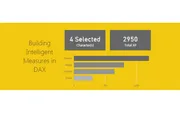
Create a smart card visual in Power BI that displays the selected item name when one item is chosen, or shows the count when multiple items are selected.
July 14, 2016
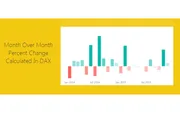
Learn how to calculate month-to-month percent change in Power BI using DAX. Use PREVIOUSMONTH to compare current month sales against prior month values.
June 10, 2016
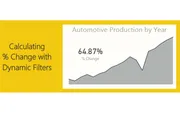
Build a DAX measure that dynamically calculates percent change as you select different items in Power BI visuals. Learn to use DIVIDE and FILTER functions.
May 27, 2016
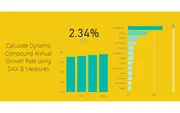
Learn how to calculate a dynamic Compound Annual Growth Rate (CAGR) in Power BI using DAX. The calculation updates automatically as you select different data points.
May 7, 2016
Learn how to create measures in Power BI to calculate totals using the SUM function in DAX. Watch how totals dynamically change as you select different data points.
May 2, 2016
Learn how to create percent change calculations in Power BI using DAX measures with practical examples using real-world automotive production data.
April 27, 2016
Learn how to create histograms with custom bins in Power BI using DAX measures to categorize and visualize your data distributions.